Flooring Job Costing for Materials, Waste and Labor
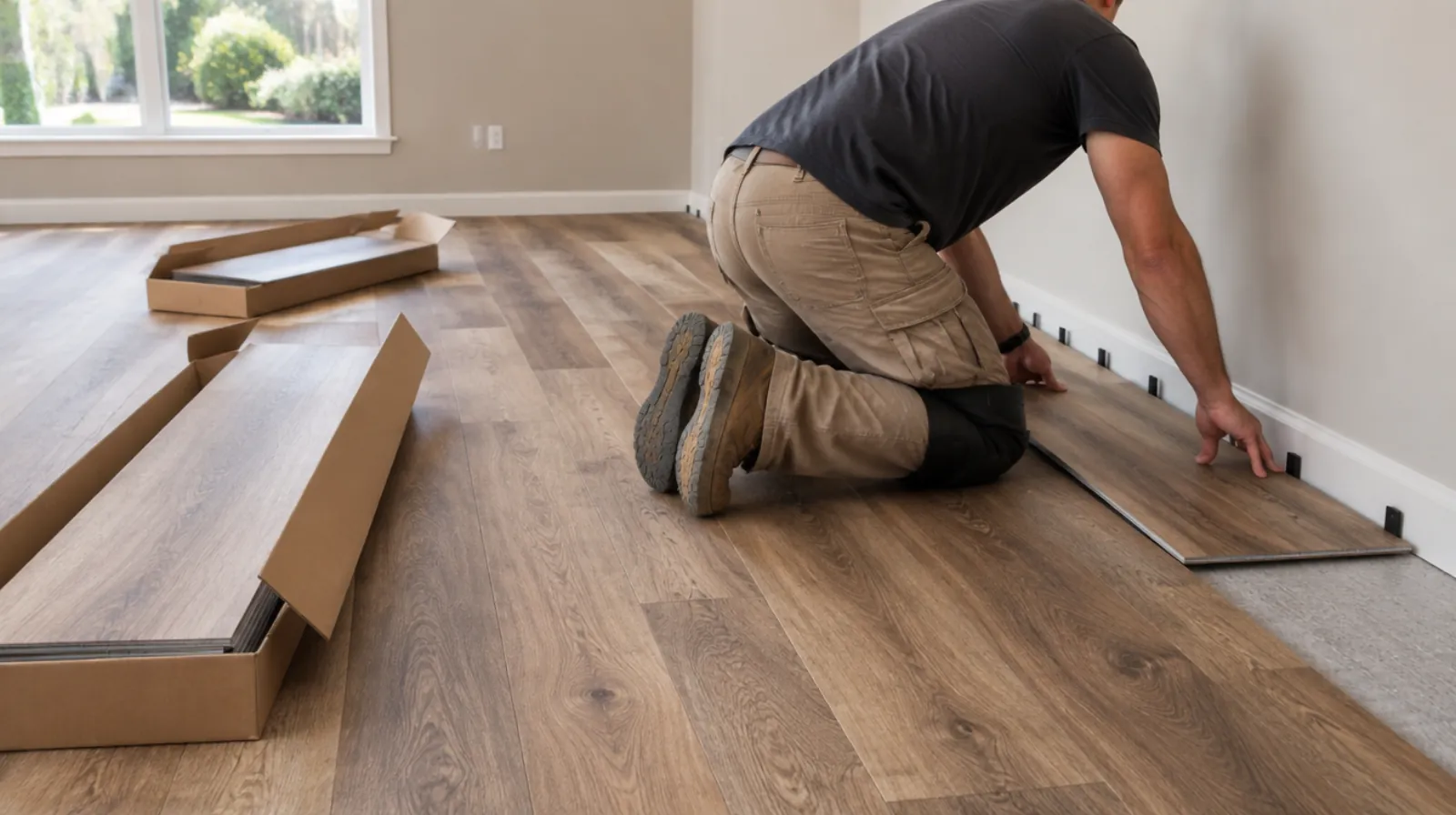
A flooring estimate starts with square footage. By the time the last transition goes down, you may have rounded up an order, spent longer on floor prep and picked up a return credit on the way to the next job. Keep those details with the job while you can still explain them. To price one job from its parts, the free job cost calculator shows the price, the profit and the margin.
Measure the floor and plan the order
- Measure each area once
Note which closets, alcoves and halls are in scope, and add the areas where flooring goes.
- Add the waste allowance
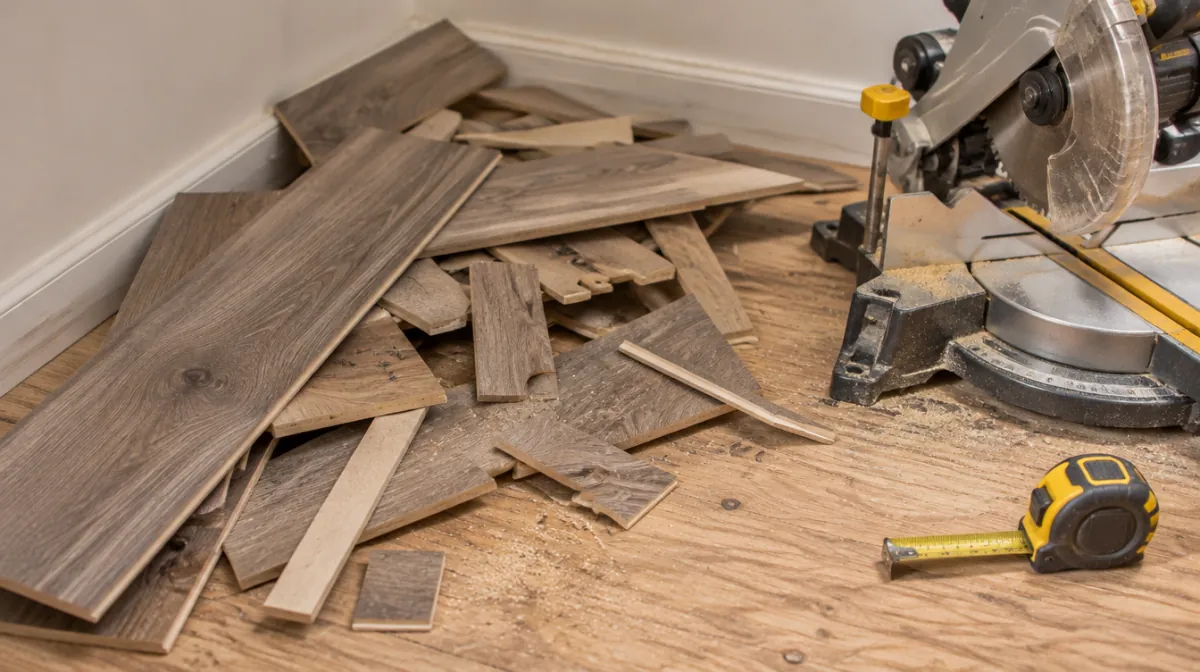
From the cuts around doors and corners, the board direction, and the spares you leave with the homeowner.
- Round to cartons
Divide what you need by the square feet per carton and round up to whole cartons.
- Price it
Cartons times the carton price is the flooring order cost.
Keep the measurements and the product choice with the estimate, so a closet added later or a change in board direction has a reference. Put prep supplies, underlayment, transitions, delivery and disposal on their own lines. When you return a carton, record the credit on the first job. If material moves to another job, update both jobs, so the purchase counts once.
Track crew hours by work stage
Estimate crew hours for each stage: tear-out, floor prep, install, trim and cleanup. Add each worker's hours to get person-hours, and use the same labor cost per hour on the estimate and on the job. Have the crew note when a stage runs long. If the slab needs more prep, write down the condition and the hours it took.
Use the same lines when you review real spending. Keep the date, supplier, amount, line and job together, and note when a receipt covers more than one job or a credit has not posted yet. If a purchase is already recorded, attach the new paper to it instead of entering it twice. See how to split one receipt across jobs.
Worked example for a fictional plank job
The crew returns one sealed carton for a $66 credit. The job keeps 39 cartons, 858 square feet: 800 installed and 58 in offcuts and spares. After the return, flooring costs about $3.22 per installed square foot ($2,574 divided by 800).
| Direct cost | Estimate | Recorded so far |
|---|---|---|
| Flooring | $2,640 | $2,574 after the return |
| Prep supplies and transitions | $420 | $420 |
| Disposal | $160 | $160 |
| Delivery | $120 | $120 |
| Labor at $35 per person-hour | $1,400 (40 person-hours) | $1,540 (44 person-hours) |
| Total direct job costs | $4,740 | $4,814 |
Check for work left and supplier bills not yet in before you close the job. Here the crew would look at the extra prep hours first, and keep the supplier credit with the first purchase.
Track billing, payments and retainage
Use a spreadsheet or a job costing app
In a spreadsheet, keep a summary tab for the estimate and a separate list of entries that feed the recorded totals, each with a job name and a line. Enter a return as a credit linked to the first purchase. If more than one person updates the sheet, agree who checks receipts and who enters crew hours.
In Job Cost Pro, take a photo of a receipt and check what the app read. When a purchase receipt names the job or its PO, the app suggests the job; tap once to confirm. If there is no suggestion or it is wrong, pick the job yourself. A return credit on the job lowers its recorded costs. With a jobsite address and their own login, workers can tap once to clock in when the iPhone app shows the jobsite prompt. On Contractor and up, the owner can turn on automatic clock-in for a worker, and the worker agrees in the iPhone app; it only happens between 6 a.m. and 8 p.m. in the owner's payroll time zone. For the app side, see job costing software for flooring contractors.
Try Job Cost Pro on a flooring job. Free plan: 3 active jobs at a time, 50 receipts a month. Free plan available. Some features require a paid plan.
Review the job before you start the next one
Go through the order, the returns, the labor hours and any changes while the work is fresh. Compare each big line with its estimate, look for entries that still need a job or a receipt, and write down why the biggest gaps happened. Carry that note into the next quote for a similar layout.
Track your next job with Job Cost Pro
Scan receipts, confirm the suggested job, and see your recorded costs against your budget. Start with the free plan in your browser or get the iPhone app.
Google Play: US only.
Free plan available. Some features require a paid plan.
FAQ
Do I cost flooring by installed area or purchased area?
Use installed area to plan the work, and the cartons you buy for the order cost. Then record any returns when you check what you kept for the job.
How much extra flooring should I plan for waste?
Base it on the layout, the cut pattern, the product and the spares you leave. Then round to the carton size, and write down how you got the number.
What if a flooring receipt covers two jobs?
Match the items to the job that used them. Keep the receipt, and check that the two shares add up to its total.
How do I account for more floor prep than planned?
Give prep its own line. Record the added labor and materials there with the reason. If the scope changed, keep the change record with those costs.
How do I track retainage next to job costs?
Record the amount held on the billing record, using the contract terms. Keep the payment received and the held amount in view when you review the invoice, and keep recording job costs as they come.