How to Make a Construction Budget Before Work Starts
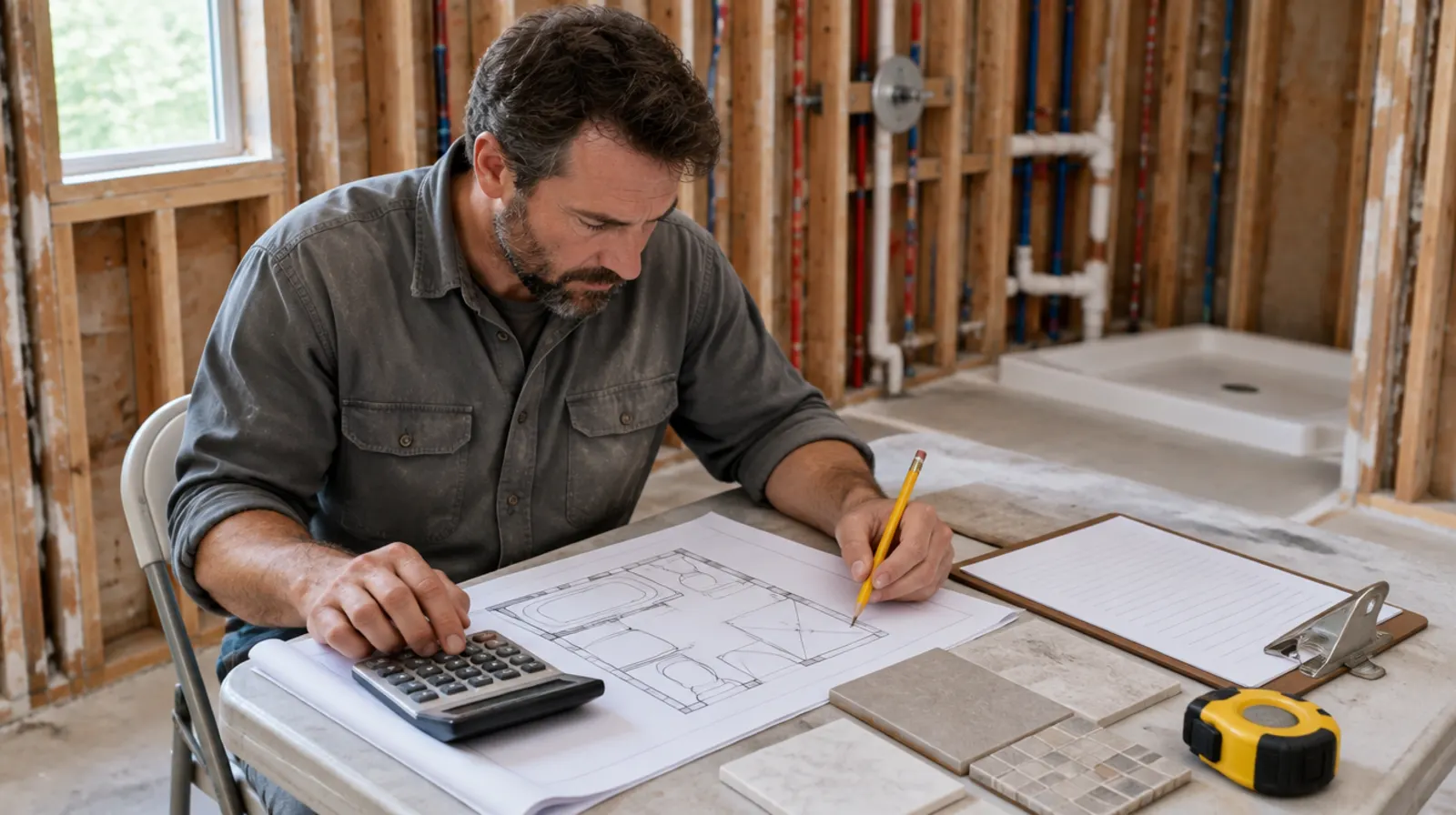
You can build the budget in a spreadsheet or on paper. Give each cost its own line so you can find it again when a choice changes. To check the math on one job first, try the job cost calculator.
Start with the work you are doing
Walk through the job in the order you expect to do it. Write down what comes out, what stays and what goes in. Include the work that happens around the installation, such as protecting a hallway, hauling out debris and cleaning up at the end. It is easier to give those tasks a cost when they are on the list.
Break the work into phases you can explain to someone else. For a remodel, you might use demo, prep, rough-in, installation and finish. Under each phase, write who supplies the materials and who does the work. If the client is supplying a fixture, note who will receive it and install it. That still gives you work to plan.
Put open choices beside the phase they affect. You might know you are replacing a vanity but still need its size or finish. Write down what you are allowing for and when you need the choice. If an open choice could change the work itself, get an answer before you rely on that part of the budget. A written scope of work makes this step easier.
Give each part of the job a cost
Crew labor. List the tasks your crew will do, then work out how many people you need and how long each task will take. Use your current labor costs. Include setup and cleanup in the hours. If a helper and a lead will work different hours, price their time separately before you add it up. The labor cost calculator helps with the hourly cost.
Materials. Turn your measurements into a list of what you need to buy. Check pack sizes, the quantities you can actually order and how the material will get to the site. Use current supplier prices. Write down whether delivery and any tax shown on the supplier's pricing are already included.
Subs. Get a price for the exact work you need. Read what is included and ask who is supplying parts, moving materials or cleaning up. If a sub's price includes supplies, carry that price into the budget and use your materials list for the items you are buying yourself.
Other job costs. Add the items you need for this job, such as a dumpster, equipment rental, delivery or floor protection. Check the work list again as you go. If a cost is already covered in a crew, material or sub line, your notes should show where you counted it.
Open items and contingency. Give a selection that still needs a price its own allowance. List the work or item it covers. If you are setting aside money for an unknown you can name, such as repair work you can only see after demo, give that reserve its own line too. Write down what would make you use it.
Add the lines together to get planned job spending. Keep that total separate from what you will charge the client.
Example construction budget for a bathroom remodel
Example: You are planning a hall bathroom remodel. The fixtures stay in their current locations. Your crew handles demo, prep and finish work. You hire subs for plumbing and electrical work. All amounts below are made up for this example.
| Category | Example amount |
|---|---|
| Crew labor | $3,600 |
| Materials and fixtures | $3,800 |
| Subcontractors | $2,400 |
| Delivery, disposal and site protection | $600 |
| Contingency for open questions | $800 |
| Total planned job spending | $11,200 |
The table is the summary. The notes behind it tell you what each line covers. Under crew labor, keep the planned tasks and hours. Under materials, keep the list of fixtures and finishes. Under subs, keep the written scope so you can see who supplies what.
For this example, the contingency could cover limited floor repair if demo reveals a problem. Write down what you allowed for. If the condition turns out to need more work than you planned, use the scope and your cost notes to work out what changes before you proceed.
Check the plan before you commit
- Read the scope in order
Point to a cost line for each task. A task with no line is a cost you missed.
- Confirm prices and dates
Check the supplier price and availability before you depend on them.
- Ask your subs
Make sure their scope still matches the work.
- Track open selections
Write down who will get the final price and when you need it.
- Save a dated copy
If the scope changes before work starts, update the lines and note why.
Keeping the earlier copy gives you a reference when someone asks where a figure came from. It also gives you a starting point the next time you plan a similar job.
Once the job starts, use your plan to review costs as you record them. That is the next step after building the budget. The job costing reports guide shows how to compare the plan to what you spent.
Where your budget fits in Job Cost Pro
Open the job in Job Cost Pro to see its budget status and the cost recorded so far. This is on every plan.
Use Labor budget below the job's budget bar to enter what you plan to spend on labor. The account owner can change a budget.
Job Cost Pro is free: 3 active jobs at a time, 50 receipts a month, AI scanning included, no card.
To turn the budget into a price, see markup vs margin.
Track your next job with Job Cost Pro
Scan receipts, confirm the suggested job, and see your recorded costs against your budget. Start with the free plan in your browser or get the iPhone app.
Google Play: US only.
Free plan available. Some features require a paid plan.
FAQ
What should you include in a construction budget?
Include the labor, materials, subs and other spending needed to do the work you listed. Give open selections and known uncertainties a place of their own. To check whether you missed something, read the scope in order and point to a cost line for each task.
How do you budget for a fixture the client has not picked?
Set an allowance for the fixture and write down what the amount covers. For example, decide whether that line covers the fixture alone or includes delivery. Keep the labor on the line where you plan the installation. Update the allowance when you have the client selection and the supplier price.
How much should you set aside for surprises?
Start with the risks you can name. Ask what you can check before work begins and what will stay open until you get further into the job. Give the remaining unknowns a separate line and note what that amount covers. Review that line if the work or the conditions change.
Is your construction budget the same as what you charge?
No. Your budget is what you plan to spend. The contract price is what your client agrees to pay. Use the planned costs when you decide what to charge, and account for your business overhead in that decision.
What goes in the budget, actual and committed columns?
Your budget is what you planned to spend. On an active job, actual costs are what you have recorded so far. Committed costs are what you have agreed to spend and have not counted in actual costs yet.
How do you count a deposit on a material order?
Count the deposit once as a recorded cost. Keep only the remaining balance in your committed column. As you record more of the order as an actual cost, take that amount off the commitment list.
How can you tell if a phase is headed over budget?
Compare recorded costs and open commitments with the budget for that phase. For example, $2,200 recorded and $1,100 still committed add up to $3,300 on a $3,000 materials budget. Check what you have ordered before you buy more.
Can I set a labor budget for a job in Job Cost Pro?
Yes, on every plan. Open the job and use Labor budget below the budget bar. The account owner can change a budget.