Deck Builder Job Costing for Lumber, Hardware and Labor
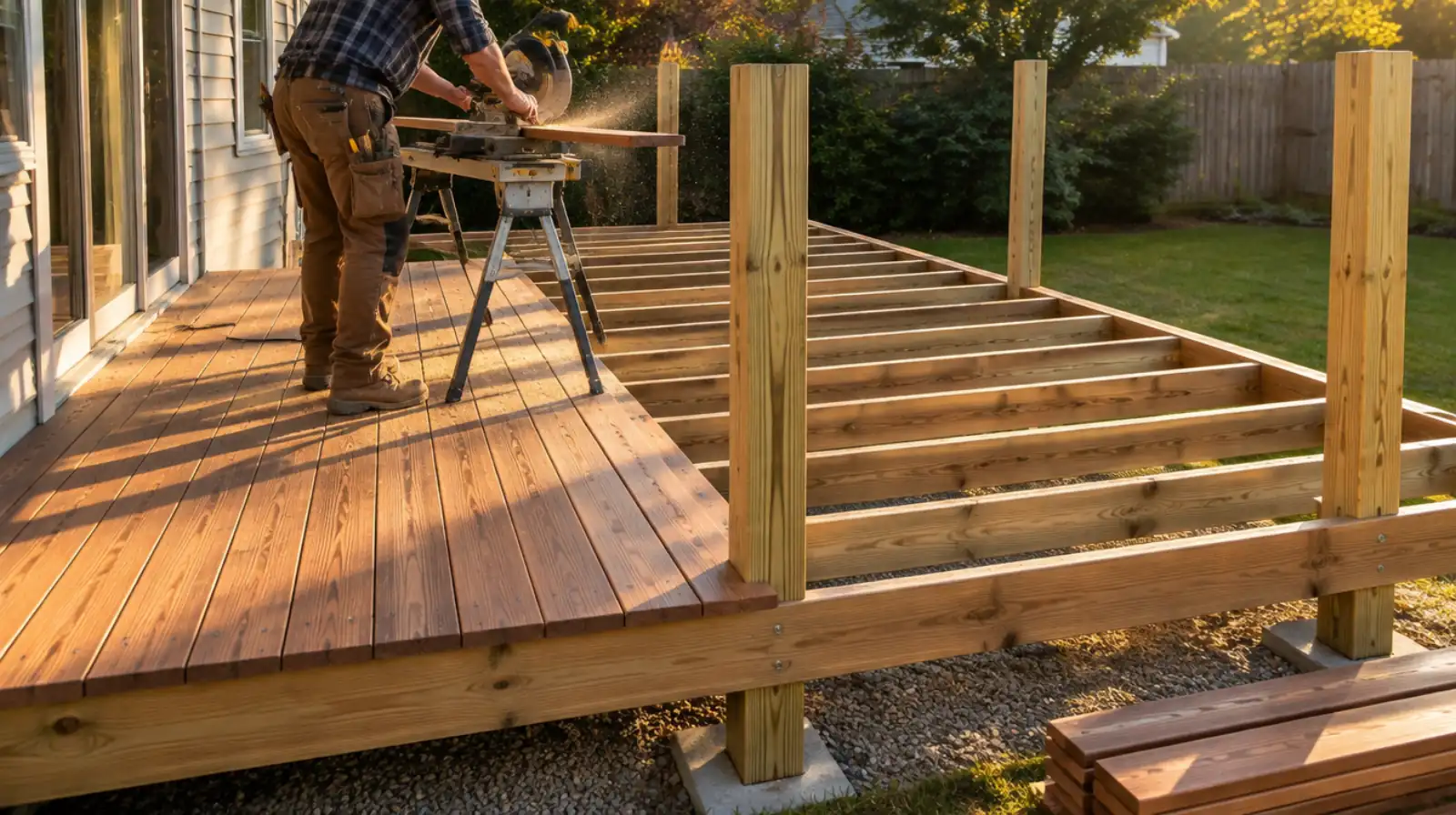
A deck estimate is your starting point for lumber, hardware and crew time. Job costing is recording what you spend and which deck it belongs to. With those records in one place, you can see which part of the estimate is holding up and where the plan for the rest of the work needs to change. To price one job from its parts, the free job cost calculator shows the price, the profit and the margin.
Set up one cost record per deck
- Lumber and decking
Framing lumber, deck boards, blocking, and anything else in the lumber package.
- Hardware
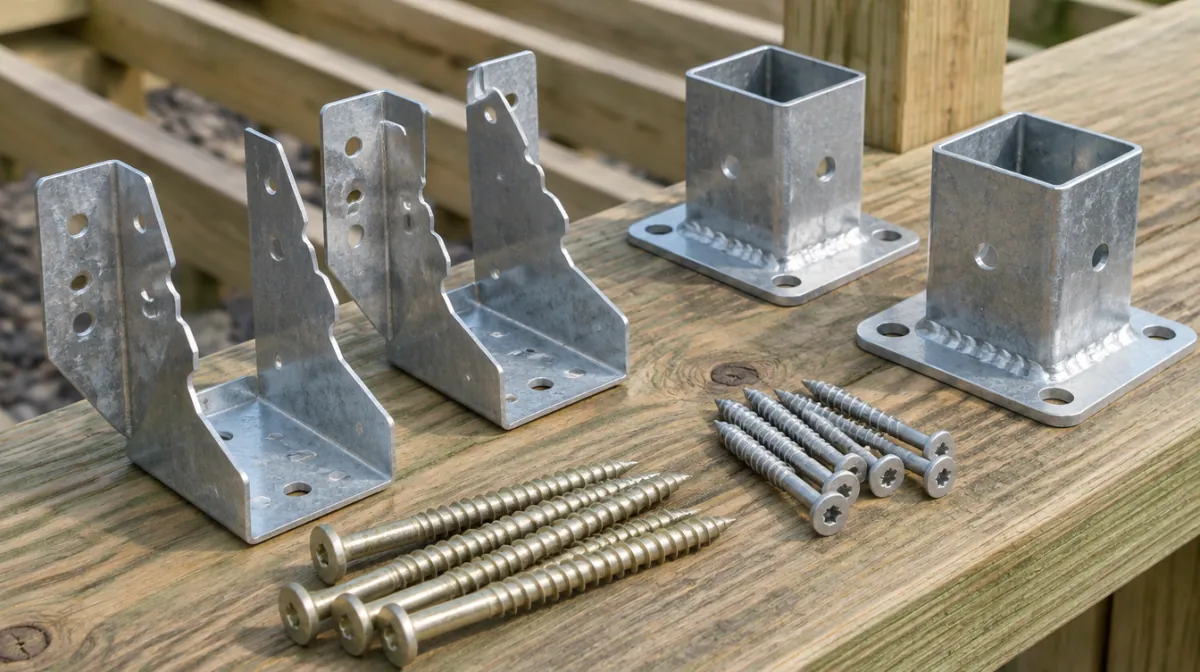
Hangers, screws, anchors, bolts and other connectors.
- Crew labor
Each worker’s planned hours times the labor cost you use for that worker, added up.
- Other direct costs
Delivery, equipment rental or disposal when you charge them to the deck.
Give the deck a job name you use on the estimate, supplier orders, time records and cost sheet. Keep the agreed price on its own line. If the customer approves an extra, keep its scope and price apart from the first agreement, and give the extra work its own place in the cost record. See change order tracking.
Track lumber and hardware by job
Start at the supplier counter. Put the deck's job name or PO on the order when you can. Save the receipt or invoice and check the quantities against what was delivered. A lumber package, a second fastener run and a replacement board can all hit the same deck, so record each one as it happens.
If one receipt covers two decks, write down which items went to each job and record only this deck's share on its sheet. Check that the shares add up to the receipt, with any delivery charge you split. See how to split one receipt across jobs.
Record crew hours on the right deck
Ask each person to record the deck and the hours worked on it. If the crew splits a day between two sites, check that the time is split by job too. Multiply each worker's hours by the labor cost you use for that worker, the same basis as the estimate. Look at hours with no job before you count them in a deck.
In Job Cost Pro, Labor by job shows the crew labor on each job for the month. If you set a labor budget for the deck, it also shows the job labor so far against that budget, and hours with no job sit on their own line so you can assign them. With a jobsite address and their own login, workers can tap once to clock in when the iPhone app shows the jobsite prompt. On Contractor and up, the owner can turn on automatic clock-in for a worker, and the worker agrees in the iPhone app; it only happens between 6 a.m. and 8 p.m. in the owner's payroll time zone. On Android, workers use the Clock in and Clock out buttons.
Review recorded costs while the deck is open
Pick a set time to compare the estimate with the costs recorded so far, group by group. A big lumber total can mean a package was bought early. A low hardware total can mean a receipt is still on someone's phone. An hours overrun can be work that took longer, or time that belongs to another job.
Then write down what is still ahead: material you still expect to buy, crew time to finish, and direct charges you know are coming. Keep that in its own column, next to what is already recorded, and date each review. Keep the invoices and payments apart from the cost review. If the job uses retainage, track the billed amount, the amount held and the amount due. See what retainage is.
Fictional worked example for one deck
| Cost group | Planned | Recorded so far | Difference |
|---|---|---|---|
| Lumber and decking | $3,000 | $3,250 | $250 over |
| Hardware | $600 | $700 | $100 over |
| Crew labor | $2,400 (60 hours) | $2,600 (65 hours) | $200 over |
| Other direct costs | $1,000 | $950 | $50 under |
| Total | $7,000 | $7,500 | $500 over |
The crew expects 8 more hours at $40 ($320) and $80 more of hardware: $400 still ahead. That brings projected direct cost at the finish to $7,900. In the same fictional job, a $6,000 progress bill with 5% retainage holds back $300, so $5,700 is due on that bill. The $300 belongs in the billing record; the costs recorded so far are still $7,500.
Spreadsheet or a job costing app?
A spreadsheet works when one person can keep up with the entries and check the math. Use columns for the date, job name, group, vendor or worker, amount or hours, and a source note. Keep planned, recorded and forecast in separate columns in the summary.
An app helps when purchases and hours come from several people. In Job Cost Pro, take a photo of a receipt. When a purchase receipt names the job or its PO, the app suggests the job; tap once to confirm. If there is no suggestion, or it is the wrong deck, pick the right job yourself. Either way, it depends on the crew entering good records and someone reviewing them.
Try Job Cost Pro on one open deck this week. Free plan: 3 active jobs at a time, 50 receipts a month. Free plan available. Some features require a paid plan.
Track your next job with Job Cost Pro
Scan receipts, confirm the suggested job, and see your recorded costs against your budget. Start with the free plan in your browser or get the iPhone app.
Google Play: US only.
Free plan available. Some features require a paid plan.
FAQ
What costs should I track for each deck?
Lumber, hardware, crew labor and other costs that belong to the deck, like a delivery or a rental. Use the same groups you used in the estimate.
How do I handle a purchase for more than one deck?
Use the receipt or delivery paperwork to split the items or quantities. Check that the amounts you entered add up to the purchase, so every cost counts once.
Should I update the cost forecast before the deck is done?
Yes. Start with the costs recorded so far and add what you expect to spend on the rest of the scope. Keep that estimate apart from the costs already entered.
Where do I record retainage?
With the progress bill and the payment record, using the terms for that job: the billed amount, the amount held and the amount due.
How do I check margin on an open deck?
Add the costs recorded so far to the costs still ahead. Take that total from the agreed price and divide by the price. That is your projected direct-cost margin before overhead; update it as costs come in.