How to Track Subcontractor Costs Per Job
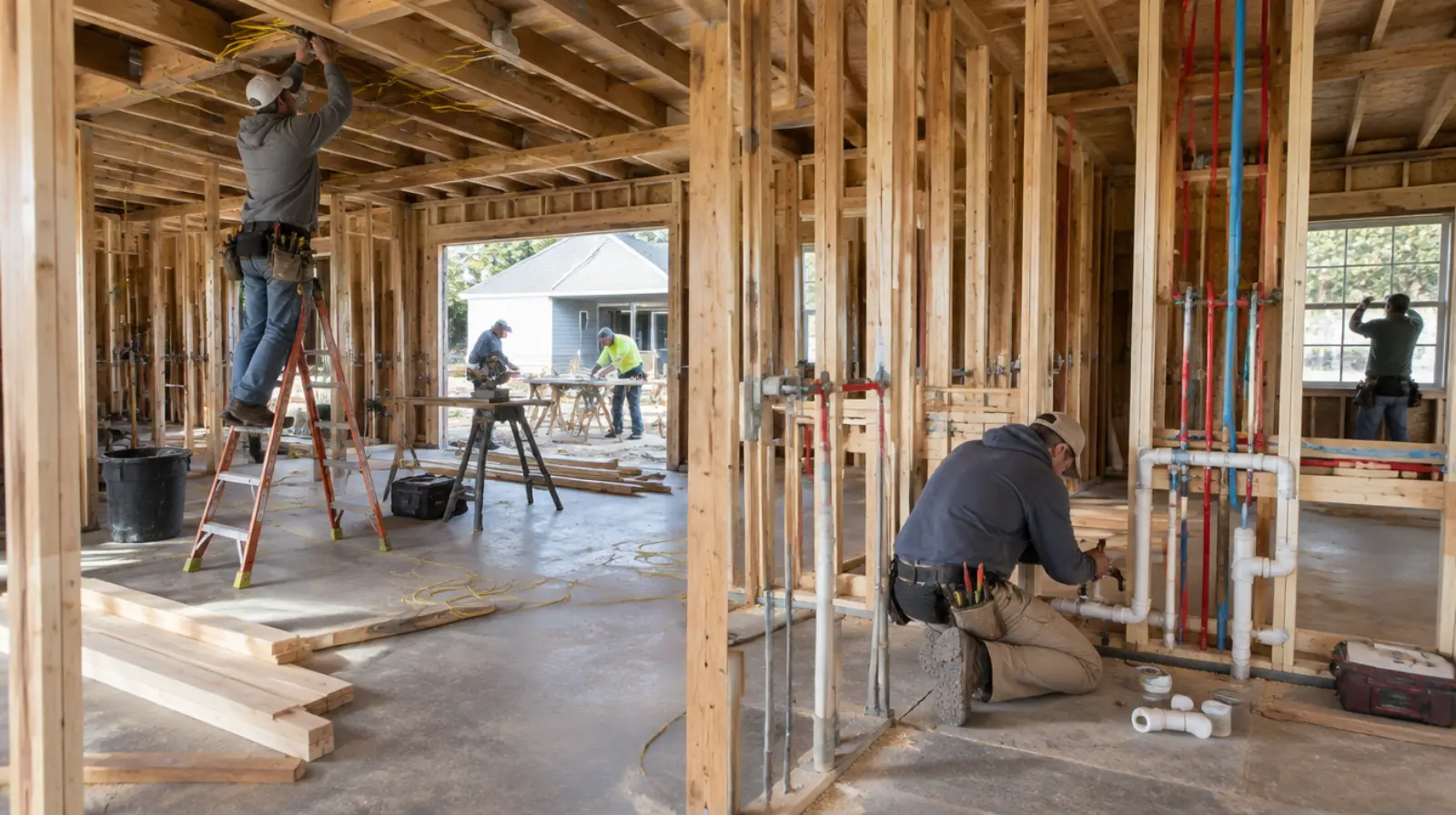
A plumbing bill can show up while you are pricing another job, and the proof of payment can land in a text thread a week later. When you review the job, you need to know what the plumber agreed to do the work for, what has been billed and what you still owe. Give those numbers their own places in the same job record. To check one job's numbers, the free job cost calculator shows the price, the profit and the margin.

Give each subcontract a job and a scope
Make one record for each sub and scope on each job. If your electrician is on two jobs this month, each job gets its own entry. Use the job name you already put on quotes and job folders, and ask for it on the bill. Start the record with the sub's name, the trade, a short scope and the agreed amount, and keep the agreement or accepted quote with it.
Track changes next to the first amount. Give each proposed change a date, description and amount, and keep it pending until it is approved. When it is approved, update the amount you have committed to spend and keep the approval. See change order tracking.
Log the bill before you record the payment
- Job, sub and scope
One record per sub and scope on each job.
- Commitment
Agreed amount, approved changes and the current total.
- Bills
Invoice number, billed amount, approved amount and review status.
- Payments
Amount due, amount paid, date paid and the payment reference.
- Retainage
Amount held, release status and any open questions.
When a bill comes in, enter the job, trade, invoice number, date and amount. Check the work and the amount against the scope and approved changes. If a line needs an answer, write down the question and leave the bill pending. Then record the amount you approved. If a paper only says "balance due," pull the earlier bills first, and link a revised bill to the first copy.
Keep retainage and open bills apart
If the subcontract has retainage, record the amount held and the release conditions from that agreement, in its own field. Show the amount payable now and the amount still held. When you confirm the release, change the status and move the released amount to the payable side. Record the payment on its own when it happens, pointing back to the first bill. See what retainage is and how to track it.
Worked example: a fictional plumbing subcontract
| Line in the log | Amount |
|---|---|
| Original subcontract | $8,000 |
| Approved scope change | $1,200 |
| Current commitment | $9,200 |
| Approved bill to date | $6,000 |
| Retainage held, 10% of the approved bill | $600 |
| Payable before the payment | $5,400 |
| Payment recorded | $4,000 |
| Open payable after the payment | $1,400 |
| Not billed yet | $3,200 |
Of the $6,000 approved bill, $600 is held and $5,400 is payable. The $4,000 payment leaves $1,400 open, so the bill still has $2,000 unpaid: $1,400 open and $600 held. Another $3,200 of the commitment is not billed yet. The plumbing cost recorded so far is the $6,000 approved bill; keep the $3,200 not billed yet in view when you review the rest of the job.
Spreadsheet or app?
A spreadsheet works if you keep it current and can find the papers behind the rows. Use one tab for the subcontract amounts and approved changes, one for invoices, and a payment entry tied to each invoice number. Put the same job name on the row, the invoice file and the payment reference.
An app helps you capture receipts when you are out of the office. In Job Cost Pro, take a photo of a receipt. When a purchase receipt names the job or its PO, the app suggests the job; tap once to confirm. If there is no suggestion or it is wrong, pick the right job. On Contractor and up, subs can send receipt photos to a job by its Sub Link without an account, and each one waits in Approvals for your yes. Keep approved bills, payments and retainage in your sub log, and note which job and bill each receipt supports. On an open job, the margin is on the costs recorded so far, so keep pending bills and unbilled work in the log next to it.
Try Job Cost Pro with one job. Free plan: 3 active jobs at a time, 50 receipts a month. Free plan available. Some features require a paid plan.
Review open jobs each week
Before the next progress meeting, go through each open subcontract with the person who handles bills. Look first for a bill with no job or no invoice number. Then check for approved changes not yet in the commitment and payments not yet matched to an invoice. Put an action and a name next to each open question. For 1099 paperwork at year end, see the 1099 subcontractor guide.
Track your next job with Job Cost Pro
Scan receipts, confirm the suggested job, and see your recorded costs against your budget. Start with the free plan in your browser or get the iPhone app.
Google Play: US only.
Free plan available. Some features require a paid plan.
FAQ
How should I track a subcontractor deposit?
In the payment section of the sub log, with its payment reference. When a later bill uses it, link the credit to that payment and show any balance not yet applied.
Where do receipts for the subcontractor materials go?
With the bill, if they support charges already on it. If your company bought materials on its own, enter that purchase as a separate cost and keep its receipt with that entry.
How do I handle one invoice that covers two jobs?
Ask for the charges by job, or write down how the split was agreed. Tie both entries to the invoice number, and check that the two shares add up to the approved amount.
Can I review margin while a trade still has unbilled work?
Yes. Read it as a view of the costs recorded so far, and keep the unbilled part of the subcontract next to it when you talk about how the job is tracking.
What should I record when retainage is released?
The amount released and the date, tied back to the first bill and the condition that was met. Move it to the payable column and record the payment when it goes out.